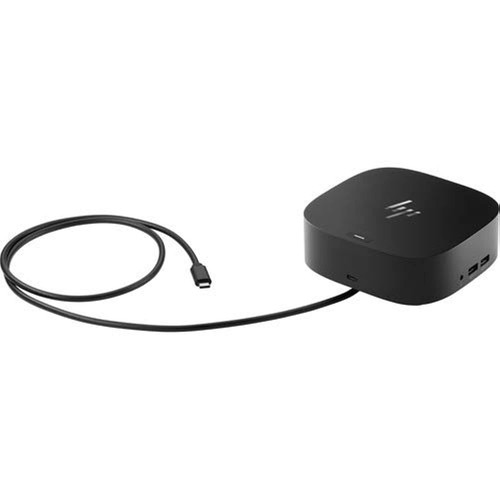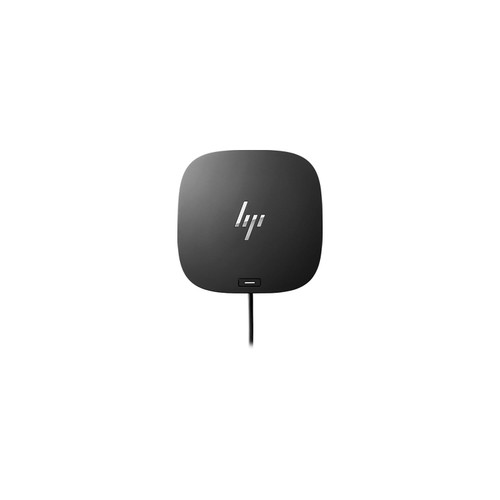


Get to work with the versatile, elegant, and space-saving HP USB-C Dock G5. Compatible with HP laptops, MacBook¨ computers, and other notebooks (2), this USB dock is great for organizing your desk with its small footprint and single-cable set-up. Whether itÕs displays or other electronic accessories, your universal dock will assist with charging, data transfers, and networking between devices. (1) For USB-C¨ functionality, host PCs must support the DisplayPortª Alt mode protocol through its USB-C¨ port. Thunderboltª-enabled notebooks will function at USB-C¨ speeds. Charging and port replication is supported on notebooks that have implemented USB-C¨ industry specifications. Power button to turn on or wake the system, Wake-on LAN from warm and cold dock, Wake-on LAN from S4/S5, and MAC Address Pass-Through in S0, S3, S4, S5 warm and cold dock features only function on HP or HP-supported notebooks. HP does not provide Ethernet and audio drivers on Mac PCs. (2) Based on HP internal testing on select non-HP notebook models compatible with USB-C¨ industry standards. Certain Alt mode features are not supported, such as power button, MAC Address Pass-Through, Wake-on LAN, and OOB Wake on LAN. Visit the HP Support page to determine your HP notebook's wattage and port specifications. Visit the support page of your non-HP notebook to determine its wattage and port specifications. (3) Supports three displays including the notebook screen. (4) Internet connection required and sold separately. Managed PCs must be running Windows 10. / COMPATIBILITY WITHOUT CONSTRAINTS Ð Designed with universal compatibility in mind, this dock works with both HP and non-HP USB-C- and Thunderbolt-enabled laptops (1). / CLEAR THE CLUTTER Ð Avoid a messy desk as the dock cuts down on extra cords or easily tangled wires. / SINGLE-CABLE SOLUTION Ð Add your accessories and up to three displays to the dock (3). Then simply connect it to your laptop through a single USB-C cable to access your devices and charge your PC (1). / SMALL FOOTPRINT Ð Reclaim your desk with a compact dock that takes up only 5 x 5 inches of space. / EASILY MANAGE YOUR ENVIRONMENT Ð Help secure and remotely manage your laptop as this dock gives you more access and visibility with advanced network manageability features (1).

HP USB-C Dock G5-11-in-1 Adapter for Both USB-C and Thunderbolt-Enabled Laptops, PCs, & Notebooks - for Charging, Networking, or Data Transfers - Great for Secure & Remote Management,Black
HP
$99.99
(No reviews yet)
Write a Review

Write a Review
HP
HP USB-C Dock G5-11-in-1 Adapter for Both USB-C and Thunderbolt-Enabled Laptops, PCs, & Notebooks - for Charging, Networking, or Data Transfers - Great for Secure & Remote Management,Black
- SKU:
- B08TQPTPCK
- UPC:
- 195161120916
Related Products